Many performance marketers and affiliate advertisers rely on platforms like WordPress and Shopify to build landing pages, stores, and funnels. At the same time, advertisers running paid traffic often use tools to manage and filter campaign traffic for better performance and stability.
One question frequently asked by marketers is:
“Does Clockerly.io work with WordPress and Shopify in 2026?”
The short answer is yes. Clockerly.io is designed to work with most website platforms, including WordPress, Shopify, HTML pages, and other funnel builders. (Clockerly Blog)
Let’s explore how the integration works and why many advertisers use this setup.
What Is Clockerly.io?
Clockerly.io is a traffic protection and filtering platform used by digital advertisers to analyze and manage incoming traffic to their campaigns. It helps identify bots, reviewers, and suspicious visitors so real users can reach the intended landing pages more reliably. (SourceForge)
The platform provides features such as:
- Traffic filtering
- Bot and crawler detection
- Campaign routing
- Real-time analytics
- Traffic quality monitoring
These tools help advertisers maintain cleaner traffic and more stable ad campaigns.
Does Clockerly.io Work With WordPress?
Yes. WordPress is one of the most commonly used platforms with Clockerly.
Clockerly offers several integration options, including:
- WordPress plugin integration
- JavaScript tracking scripts
- PHP-based setup
- CDN script integration
This allows marketers to add the system directly to their WordPress landing pages or funnels without complex coding. (clockerly.io)
Typical WordPress Use Cases
Marketers often use WordPress for:
- Affiliate landing pages
- Pre-lander pages
- Blog-based funnels
- Product promotion pages
Because WordPress allows easy script placement and plugin installation, integration is usually straightforward.
Does Clockerly.io Work With Shopify?
Yes. Clockerly can also work with Shopify stores.
Many e-commerce advertisers run paid traffic to Shopify product pages, and Clockerly can be connected through:
- Script installation in Shopify themes
- External landing pages connected to Shopify
- Funnel pages routing traffic to Shopify stores
According to Clockerly documentation and marketing resources, the platform supports Shopify, WordPress, ClickFunnels, Instapage, and HTML sites, making it flexible for different website setups. (Clockerly Blog)
How the Integration Works
The integration process is usually simple and takes only a few minutes.
Step 1 – Create Campaign Rules
Inside the Clockerly dashboard you configure:
- landing page links
- traffic conditions
- routing rules
Step 2 – Add Script or Plugin
Install the Clockerly code snippet on your:
- WordPress page header
- Shopify theme
- custom landing page
Step 3 – Configure Traffic Filters
You can filter traffic based on factors like:
- country or region
- device type
- browser
- referral source
Step 4 – Monitor Traffic
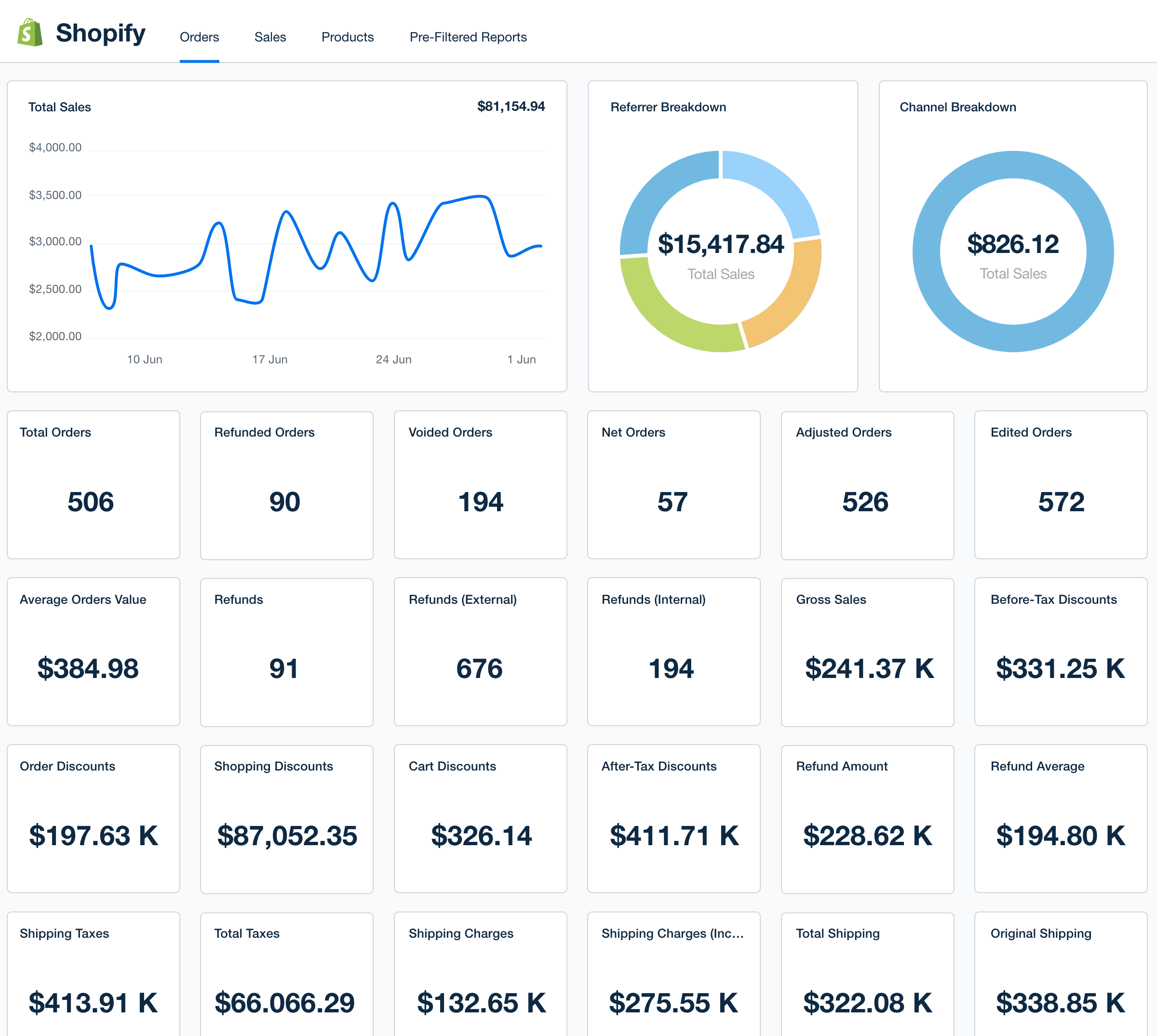
The dashboard shows logs including:
- visitor device
- country
- click timestamps
- filtered traffic
This allows advertisers to optimize campaigns and monitor traffic quality.
Why Marketers Use Clockerly With WordPress & Shopify
There are several reasons marketers combine these platforms.
1. Flexible Landing Pages
WordPress allows complete control over:
- landing page design
- pre-sell content
- blog funnels
2. E-Commerce Integration
Shopify makes it easy to:
- manage products
- process payments
- run online stores
3. Traffic Management
Clockerly adds traffic analysis and filtering, helping marketers better understand where their visitors are coming from.
4. Multi-Platform Advertising
Clockerly supports campaigns across multiple ad networks, including:
- Google Ads
- Meta Ads
- TikTok Ads
- Native advertising platforms
This helps marketers run multi-channel campaigns more efficiently. (clockerly.io)
Best Practices When Using WordPress or Shopify With Traffic Tools
Even with advanced campaign tools, it’s important to follow best practices.
Keep Landing Pages Transparent
Ensure that your landing pages include:
- Privacy Policy
- Terms & Conditions
- Contact information
Focus on Quality Traffic
Always monitor traffic sources and optimize campaigns for real users.
Maintain Compliance With Ad Policies
Advertising platforms regularly update policies, so advertisers should ensure their campaigns follow platform guidelines.
Final Thoughts
In 2026, marketers need flexible tools that integrate easily with their websites and advertising funnels.
The good news is that Clockerly.io works with both WordPress and Shopify, allowing advertisers to run campaigns using the platforms they already rely on.
By combining:
- WordPress landing pages
- Shopify e-commerce stores
- traffic management tools like Clockerly
advertisers can build scalable and organized campaign systems for modern digital marketing.